
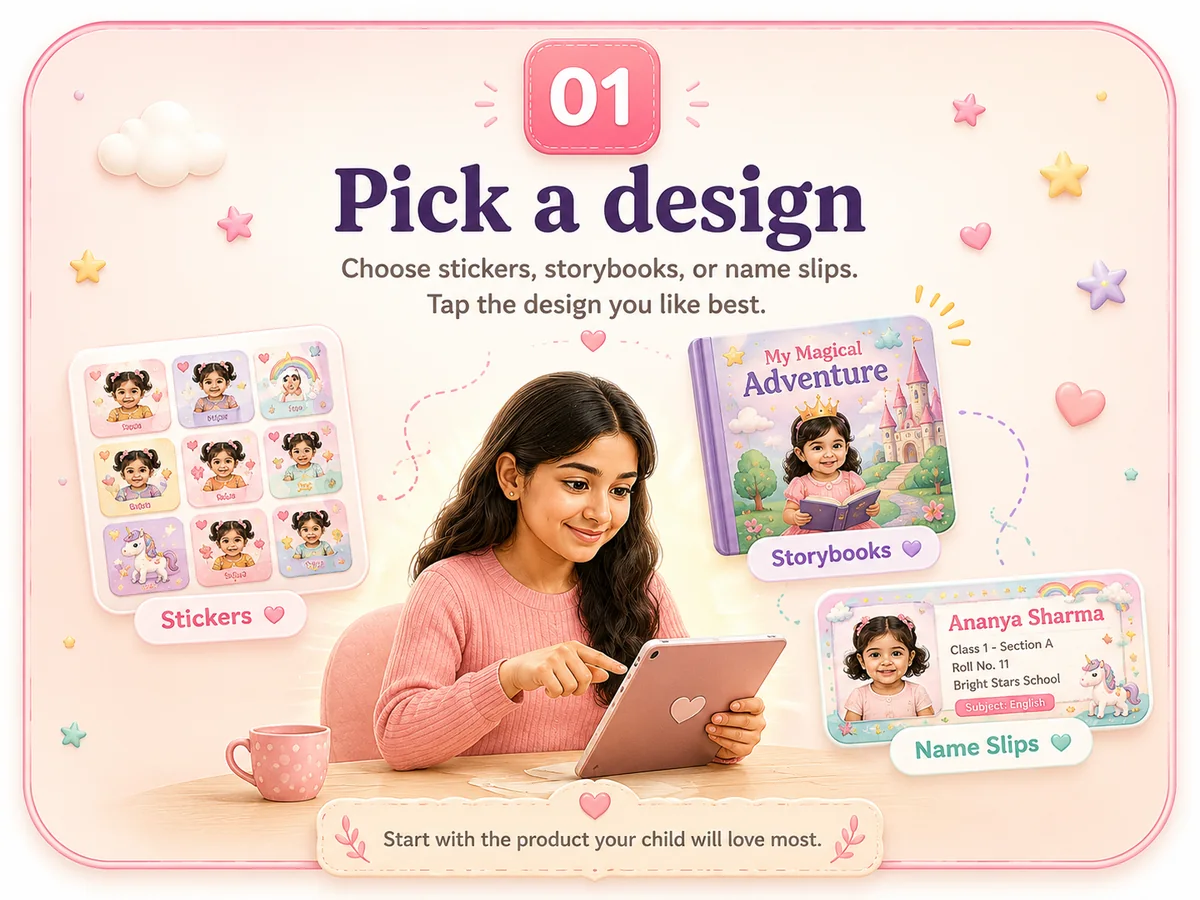
1. Pick a design
Start with the product you want: name slips, a storybook, or stickers. Open the design you like and check the sample images.
Pick a product, choose a design, add your child's details, and approve your preview before you order. No technical steps, no complicated setup.
Start with the product you want: name slips, a storybook, or stickers. Open the design you like and check the sample images.
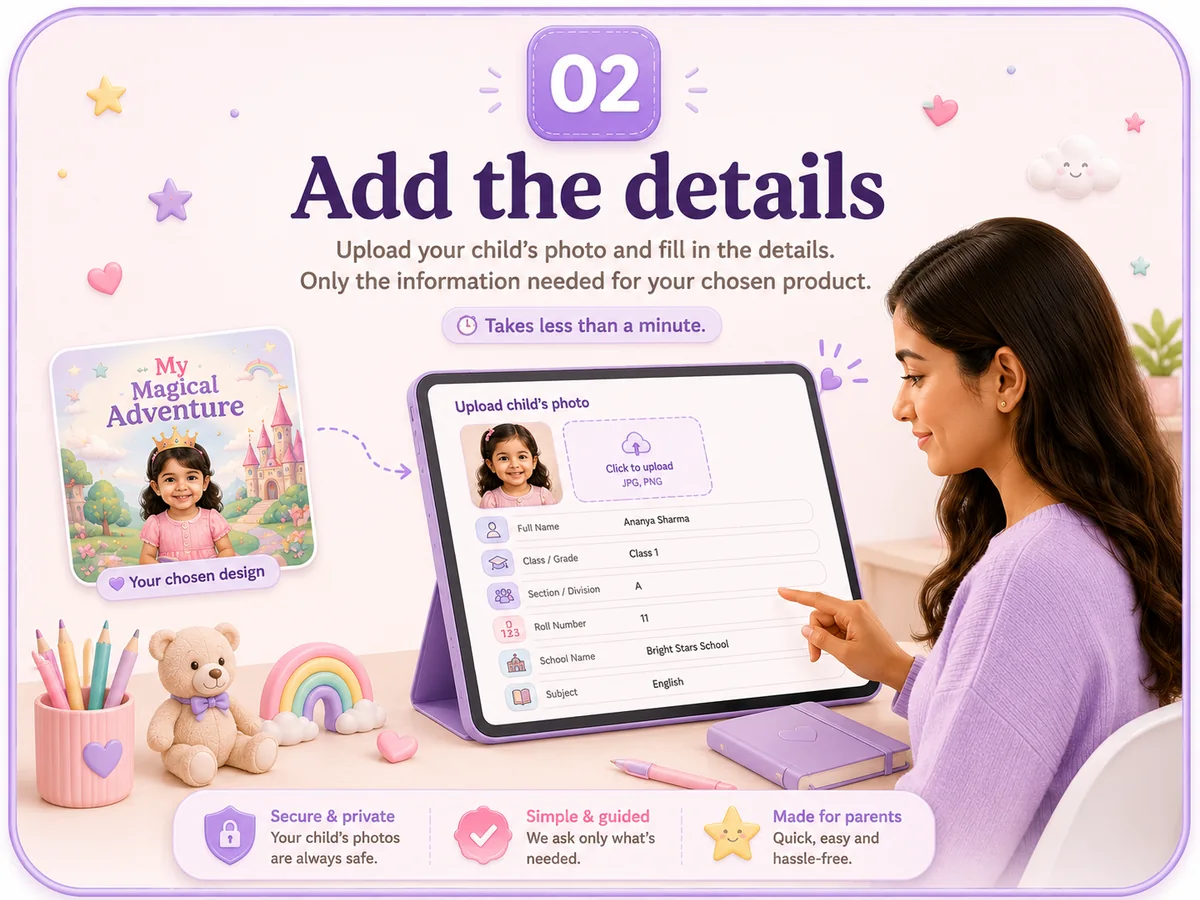
Upload your child's photo and fill only the fields that matter for that product, such as name, class, section, gender, or age.
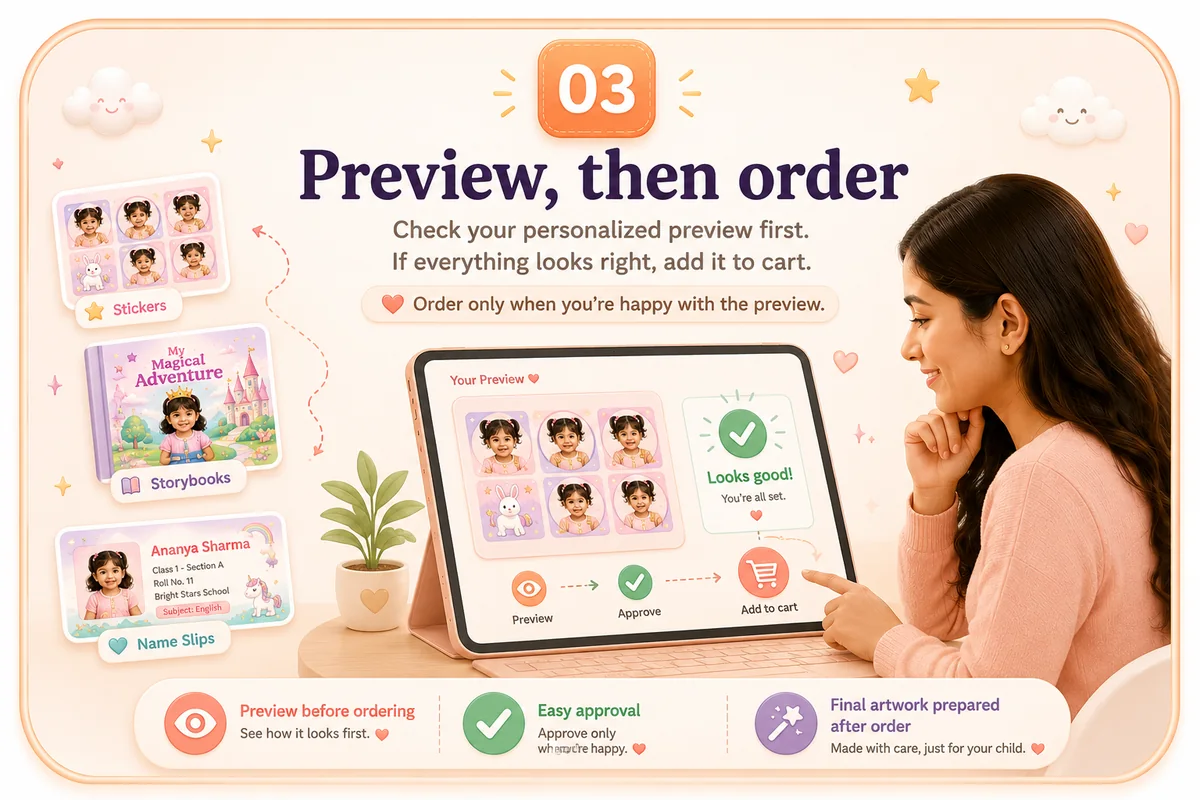
Generate the personalized preview, review every visible detail, approve it, and then add the approved product to cart. Final print artwork is checked after order review.