
The quick answer
Before uploading a child’s photo for a personalized storybook, check whether the photo is clear enough, whether you are comfortable submitting it for personalization, and whether you will carefully review the preview before approving. The goal is not a professional photograph; it is a clear starting image and a careful review process.
Nine checks before upload
- Choose a clear photo. Use an image that is clear enough to review.
- Make the face easy to see. Avoid an image where the child is hard to identify.
- Avoid heavy filters or edits. A straightforward photo is a clear starting point.
- Check the child’s name and details. Use the spelling you want shown.
- Choose a fitting story or theme. Pick one the child will enjoy.
- Think about privacy. A child’s photograph is personal information.
- Review the child’s appearance in the preview. Check what is visible.
- Proofread the full preview. Check names, layout and visible text.
- Approve only when satisfied. Check current product details before order.
Why the photo matters
In a personalized storybook, the child becomes part of the story experience. A clear everyday photo can give the personalization process a useful starting point. The product and preview should guide the final decision.
Photo → Details → Story → Privacy → Preview → Approval
Use this sequence to make each decision deliberately instead of treating upload as the final step.
A practical good-photo checklist
- The child’s face is visible enough to review.
- The lighting is reasonable.
- The photo is not obscured by an extreme filter.
- The image is one you are comfortable using for this personalization.
What if the first preview does not look right?
The preview is the time to check the selected photo, details, visible text and theme. Do not approve until the personalized result is one you are comfortable ordering.
Privacy note for parents
A child’s photograph is personal information. This guide does not make claims about retention, deletion, biometric processing or technical handling that are not supported by the current policy. Review Dimple’s Privacy Policy before uploading if you need that information.
The bottom line
A clear photo, correct details and a careful preview review are the practical foundations of a personalized storybook order. Check the current product page and checkout for current price and shipping information.
Explore real Dimple Storybooks
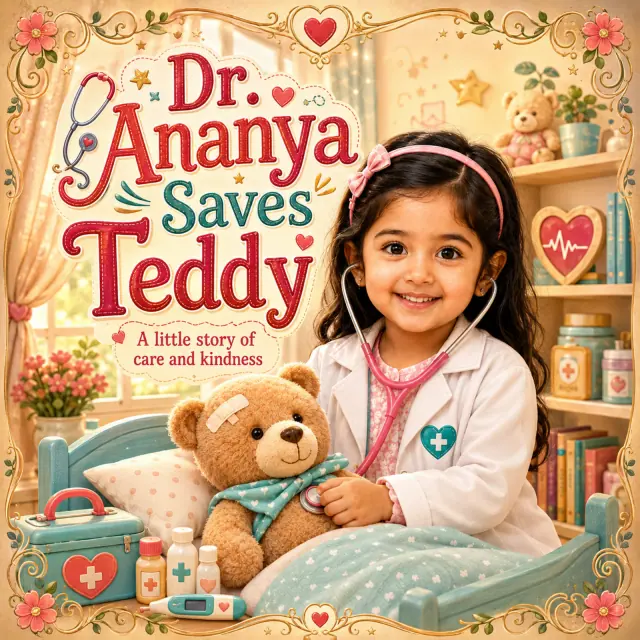
Dr. Ananya Saves Teddy
A real Dimple personalized Storybook.
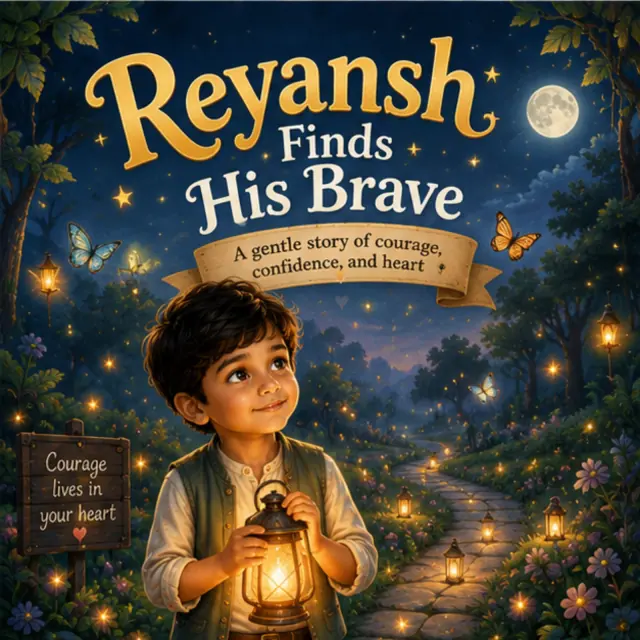
Reyansh Finds His Brave
A second real Dimple Storybook design.
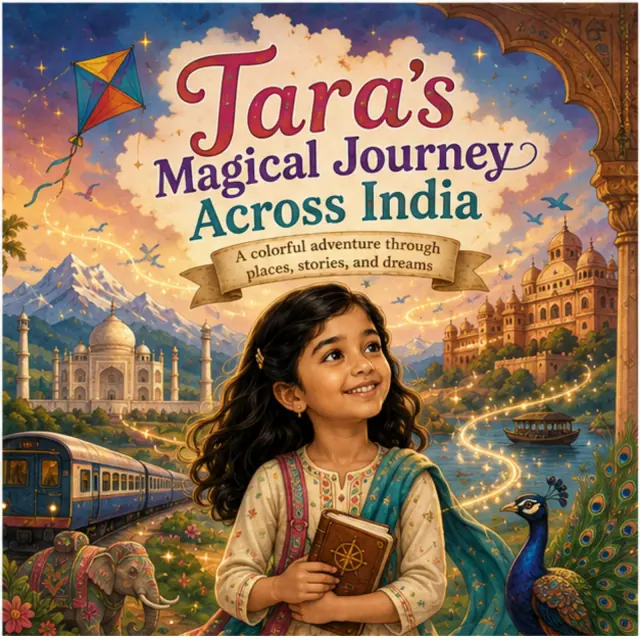
Tara’s Magical Journey Across India
A real Dimple Storybook cover.
Frequently asked questions
What kind of photo should I use for a personalized storybook?
Use a clear photo with the child’s face reasonably visible, then check the preview.
Does the photo have to be professionally taken?
No. A clear everyday photo can be a suitable starting point.
Should I use a group photo?
A photo where the intended child is clear is generally easier to review.
Is uploading a child’s photo a privacy decision?
Yes. A child’s photograph is personal information; review the current Privacy Policy if needed.
Explore Dimple Storybooks
Browse current Dimple Storybook themes and review the personalization flow before ordering.
Browse Storybooks